Motion Control Video: Precise Camera Movements & Cinematography
Master Kling Motion Control with image and video inputs for professional cinematography and precise camera movements.
Motion control means you dictate exactly how the camera moves. Instead of describing motion in text, you provide a reference video. The AI applies that camera path to your scene. Result: precise, repeatable cinematography.
Kling 2.6 Motion Control on Kubeez does this. You supply one image (the scene) and one video (the camera movement). The model generates a new video of your scene with the same camera motion.
#How Motion Control Works
- Scene image — Your subject, setting, or product
- Motion video — A reference clip showing the desired camera movement
- Output — Your scene re-rendered with that camera path
The motion video can be real footage, another AI clip, or stock. The model extracts the camera trajectory and applies it to your image.
#Use Cases
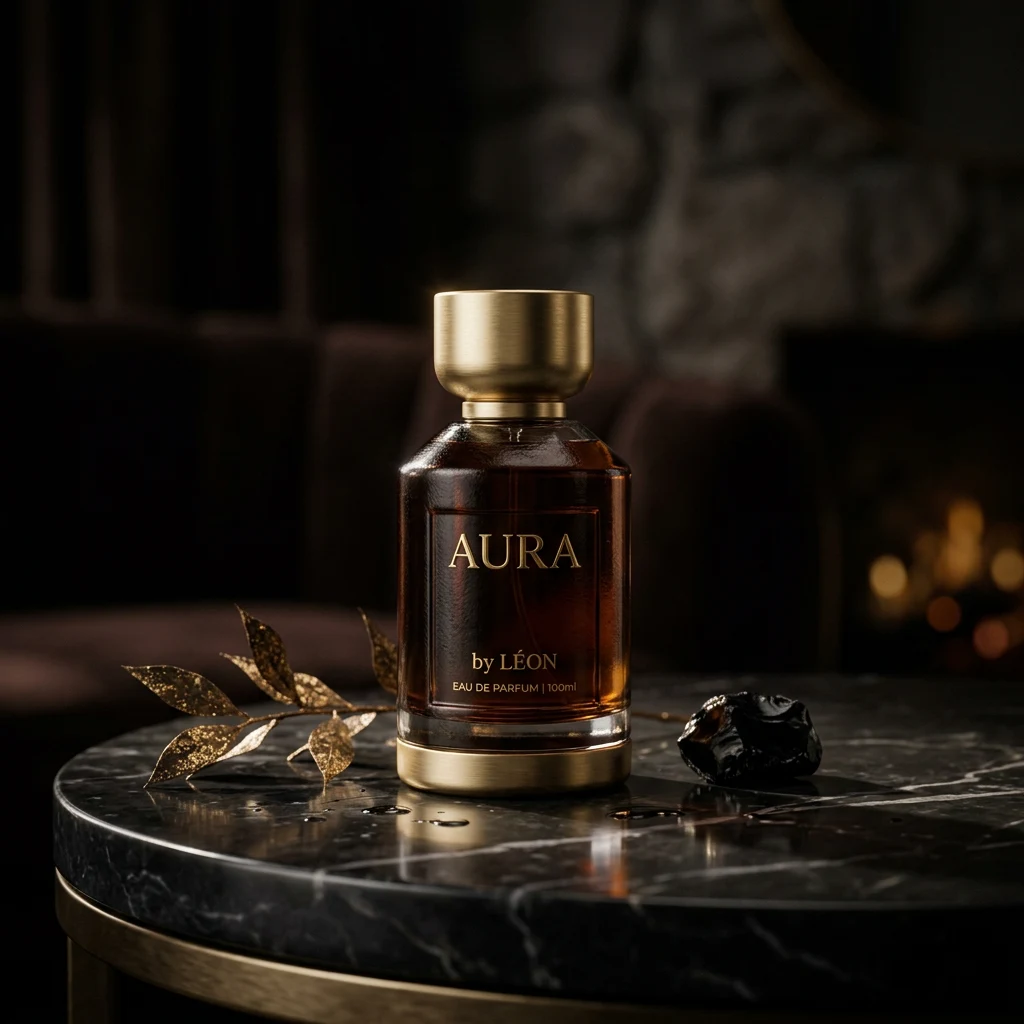
Product shots: Film a product with a specific camera move—orbit, dolly, crane—and replicate it for different products.
Consistent style: Use the same camera movement across a campaign. Every ad has identical cinematography.
Creative control: Achieve camera moves that are hard to describe in text—complex curves, subtle handheld.
Reference from film: Use a famous shot as motion reference. Your scene, their camera move.
#Input Requirements
Image: High quality, clear subject. The model will animate from this.
Video: 720p or 1080p. Duration matches output (typically 5–10 seconds). The camera movement should be clear and smooth.
Alignment: Subject in your image should roughly match the framing of the motion reference. A portrait works with a portrait-style move; a wide shot with a wide move.
#Resolution Options
Kling Motion Control offers 720p (lower cost) and 1080p. Choose based on delivery requirements. For web and social, 720p is often sufficient; for broadcast or premium use, 1080p.
#Best Practices
- Clean motion reference: Avoid shaky or erratic footage. Smooth moves translate better.
- Match composition: Your image should have similar framing to the reference.
- Lighting consistency: Consider how lighting in your image will look with the camera move.
#When to Use Motion Control
Use it when:
- You need a specific, repeatable camera move
- Text prompts aren't giving you the motion you want
- You have a reference clip that captures the perfect move
- You're producing a series and want consistent cinematography
For general text-to-video or image-to-video, standard models are simpler. Motion Control is for when precision matters.